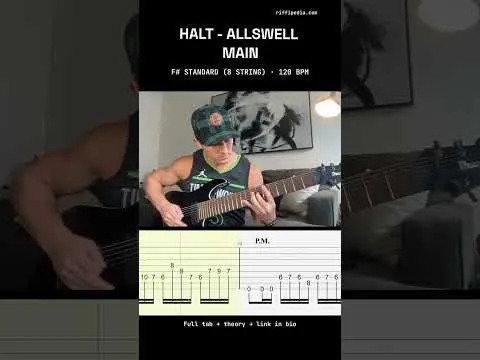
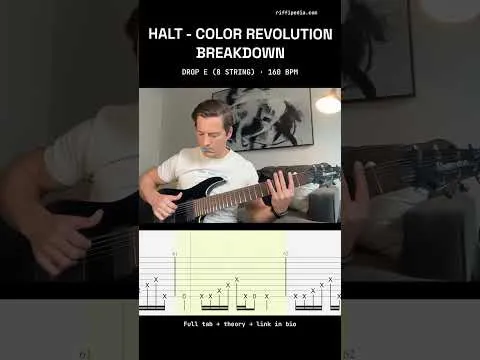
Rendering tab…
Why it works
s right there. It has the video, the waveform, a teal Start marker and a violet End marker, a readout, one Preview button, and the live tab underneath. Nothing else. Dragging a marker scrubs the video to that frame. Preview plays from Start and stops at End. The Start marker begins where the detector hears the first attack; End begins at the length of your tab excerpt.
Saving: the markers go in with the rest of the form. No separate “Looks right” step, no second visit. If the video is still processing when you post, the step shows a one-line note and the “Confirm your tab sync” link on your live page opens the form straight at the panel.
Edit riff: same panel, pre-filled with what you saved.
Reel: when you make a Reel, it now renders only the stretch between the markers, with a 150 ms lead-in so the first attack isn’t clipped. It stays optional and separate, and
— Michael, who wrote and played it